See it in action
The reader, on a real document
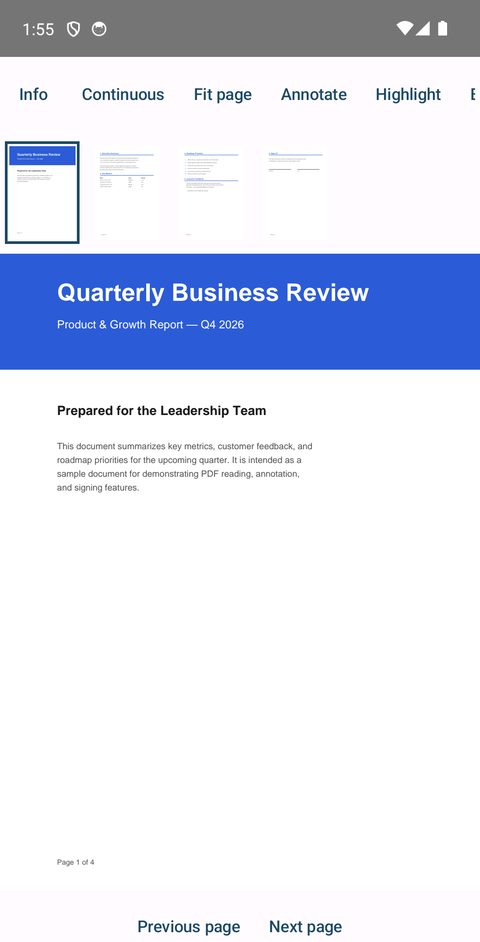
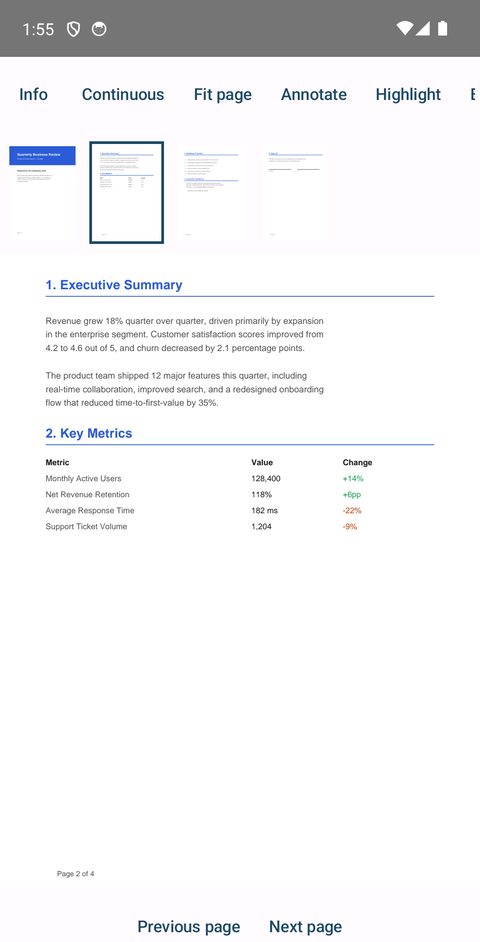
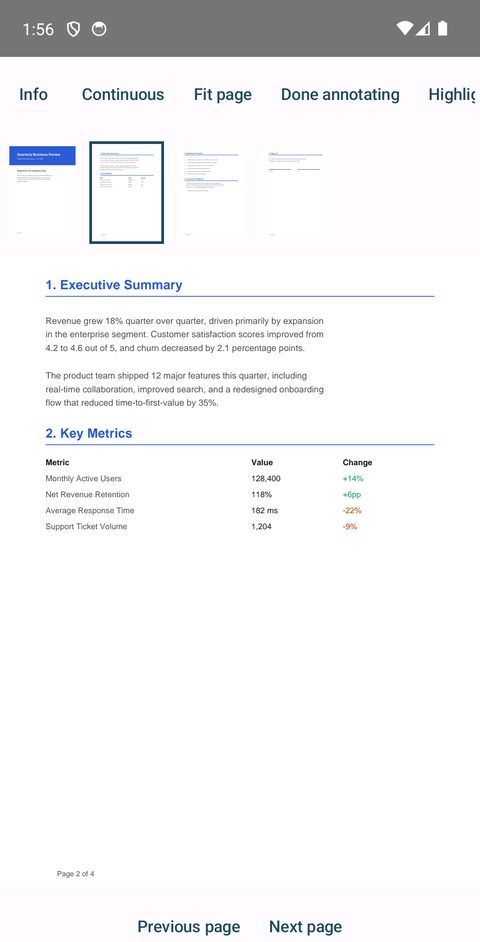
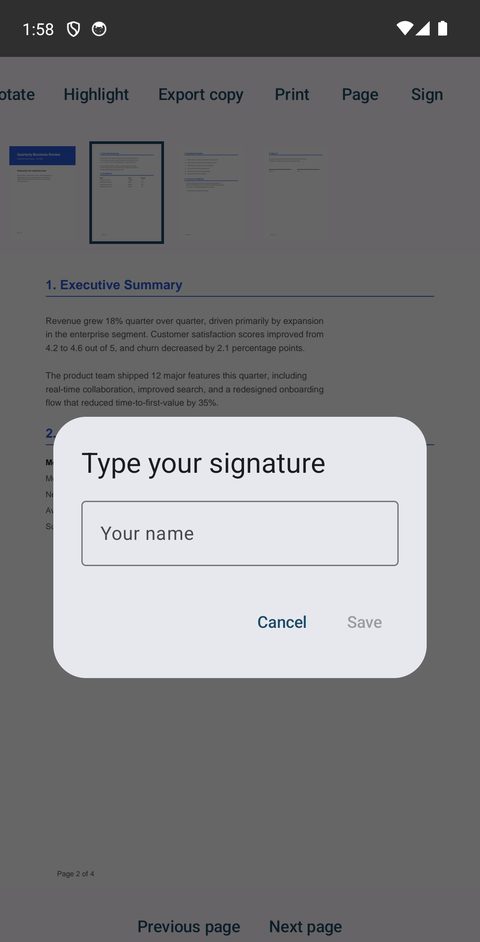
Reading view, a page with a data table, inline annotation, and the signature dialog.
Local-first · no account required
PDF Reader keeps every file on your device by default. Open, annotate, merge, and apply a real digital signature, then optionally sync when you choose to — never before.
What it does
No bloat, no forced sign-in, no file upload to a third-party server to "process" your document.
Smooth zoom, continuous or single-page scrolling, bookmarks, full-text search, and a distraction-free full-screen mode.
Highlights and sticky notes, plus page rotate, move, merge, and extract — and fill out form fields in place.
Draw, type, or import a signature for everyday use, or apply a real certificate-based digital signature when it matters.
Documents stay on your device. Signing in and cloud sync are opt-in features — off until you turn them on yourself.
See it in action
Reading view, a page with a data table, inline annotation, and the signature dialog.
Under the hood